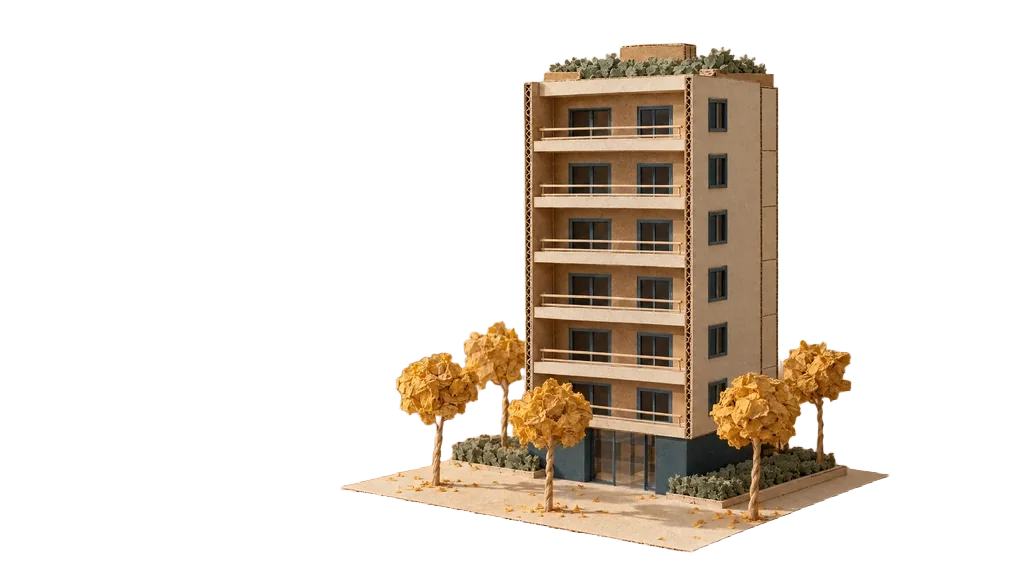
Background removal
Describe what you want to make and add references. Then request changes to content, format and finish before publishing.
Creates the campaign video, voice-over and music.
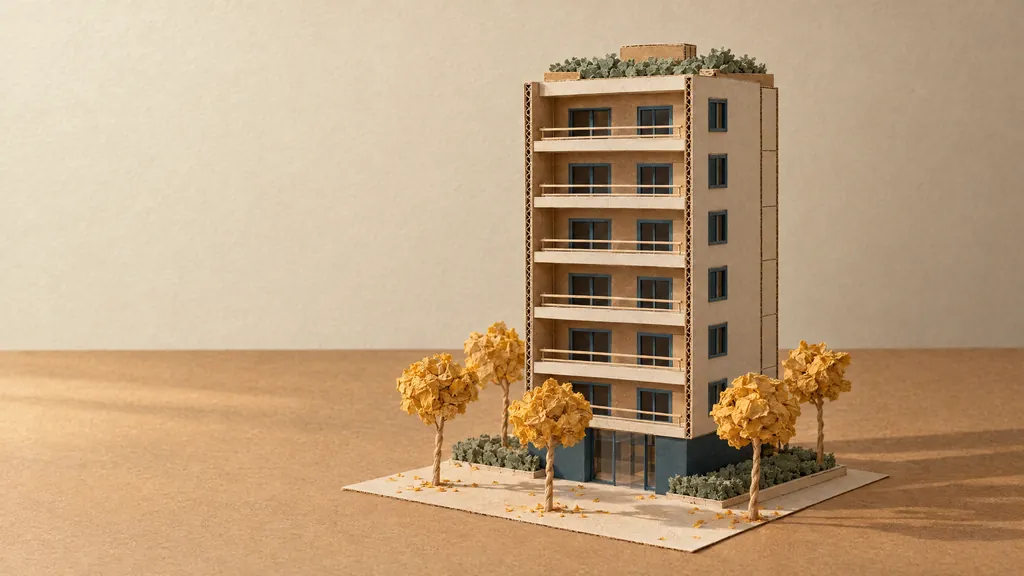
Request and main image
You describe the campaign and provide a reference. Plannk creates the main image at high resolution.
Launch of Residencial Ipê, eight floors among yellow ipê trees. I need the key visual at dusk, a 10-second film, voice-over, music and the billboard, stories and feed pieces.

Edits
Plannk removes the image background and, in this example, doubles its resolution for print.

Formats
You choose the campaign formats, and Plannk creates the materials from the same main image.
Video
Plannk uses the main image and your request to create a video with motion, lighting and ambient sound.
Voice and music
Plannk generates the voice-over from the script. In this example, the main image and musical description guide the 30-second track.
26 seconds · Gemini 3.8 Flash-Lite TTS
30 seconds · Lyria 3
Residencial Ipê, now launching. Two- and three-bedroom apartments, from 68 to 94 square meters, with a balcony and up to two parking spaces. Pool, gym and a coworking room on the ground floor. Two blocks from the subway, close to schools and the park. The model apartment is open every day, from 9 a.m. to 7 p.m. Book your visit on our website or on WhatsApp.
This launch is fictional. Creation now uses GPT Image 2.6 for PNG images, animated GIFs and SVG vectors, and accepts markup to guide edits.
Specify the audience, channel, format and message. Add images, brand guidelines or approved examples, and say what must appear.
Provide the logo, colors, fonts and approved examples. Say what must be preserved and review the result before publishing.
Yes. Use the image as a reference and say what to change and preserve. You can also remove the background and increase the resolution.
Describe the scene, movement, duration and aspect ratio. When the tool accepts an image reference, use the campaign’s main image.
Provide the text, language and reading style and choose an available voice. For music, describe the mood, instruments and intended use.
Request a new version with the change you want and the approved references. Check the file before replacing the version in use.
Use the Superagent or Resolver and specify the format and references. In Office, work directly in the open document, spreadsheet or presentation.